Control4's Latest Update Brings the Kind of Simplicity You Expect from Your Favorite Apps
Smart home control shouldn't require a manual. You pull out your phone, tap what you need, and move on with your day. That's how the apps you use most work, and it's how Control4 X4 works, too. This latest update to the Control4 operating system draws inspiration from the software you already love—featuring a cleaner design, customizable layouts, and the freedom to make changes yourself. Whether you're upgrading an existing system or considering Control4 for the first time, X4 makes whole-home control feel less like managing technology and more like simply living your life.
SEE ALSO: 2025’s Biggest Trends in Home Automation: A Year in Review
Your Most Important Controls, Right Where You Need Them
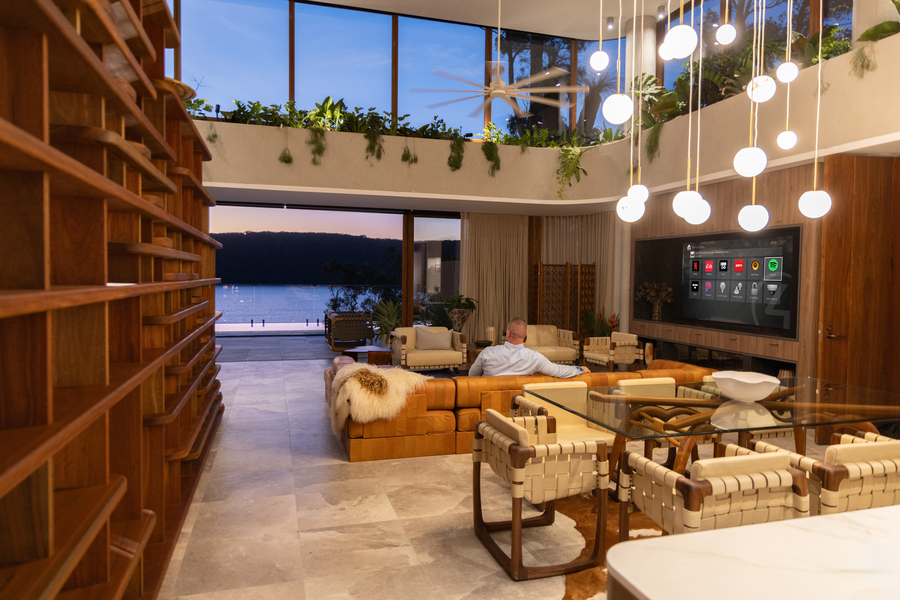
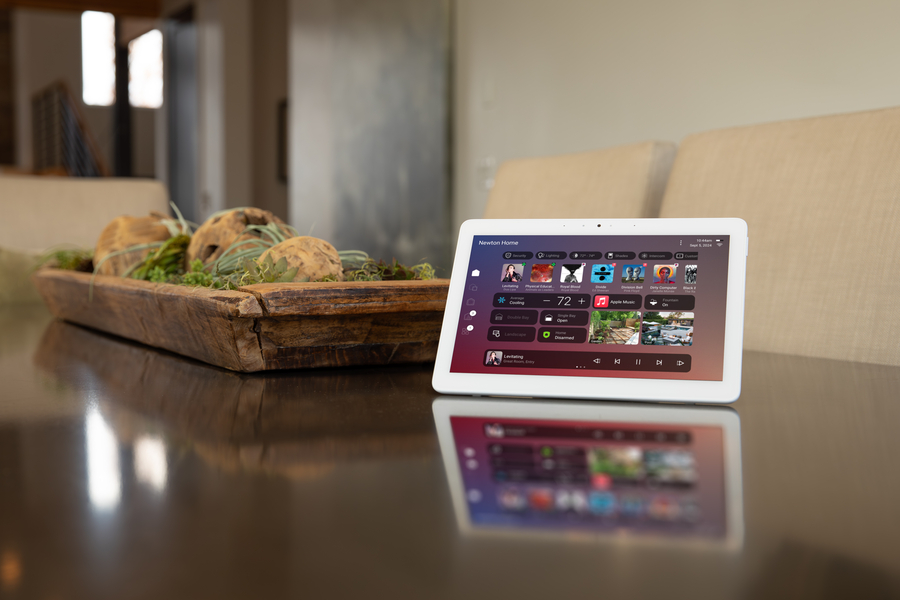
The new X4 home screen places your most frequently used features front and center. Instead of digging through menus to find your security cameras or adjust the thermostat, everything you care about is accessible through customizable widgets. Want your entry camera and garage door status at the top? Done. Prefer quick access to lighting scenes and music? Rearrange them however you like.
These widgets aren't static either. Resize them to emphasize what matters, swap them out as your needs change, and organize your home screen to match how you actually use your space. One glance tells you what's happening throughout your home, and one tap controls it. The interface adapts to you, not the other way around.
Automation Routines You Can Create Yourself
This is one of X4’s most powerful new features. You can now create and edit automated routines directly from the Control4 app, without needing to call us. Want your shades to open at sunrise and your coffee playlist to start at 7 AM? Set it up in minutes. Do you need to adjust your routine because your schedule has changed? Edit it yourself whenever you want.
The Routine Gallery offers ready-made templates you can apply instantly—morning wake-up sequences, bedtime routines that lock doors and dim lights, or movie night scenes that handle everything with one tap. You can use them as-is or customize them to fit exactly how your household works.
We still handle the complex programming and system design, but X4 gives you the freedom to tweak daily automations without waiting for an appointment. Your home adapts to your changing schedule, and you stay in control of the experience.
Improved Support for Apple Users
For households invested in the Apple ecosystem, X4 brings seamless integration across your devices. Launch Control4 scenes directly from your iPhone's Control Center. Use Siri to adjust lights, lock doors, or close shades with simple voice commands. You can even use Apple CarPlay to adjust your home's temperature or disarm the security system before you pull into the driveway.
Everything feels native to Apple rather than bolted on. Your Mac, iPhone, and even your Apple Watch become natural extensions of your Control4 system, giving you control wherever you are without switching between different apps or interfaces.
A Modern System Built for Today
X4 also brings a visual refresh that matches what you expect from modern software. Cleaner icons, smoother transitions, and a minimalist design make daily interactions feel polished and effortless. The system responds faster, too, thanks to local processing that reduces lag and keeps everything running smoothly. These improvements may seem small individually, but when you use your Control4 system multiple times a day, they add up to an experience that simply feels better. X4 also offers an optional service called Control4 Connect, a subscription service that keeps your system up to date with the latest features and improvements, and provides enhanced remote access features.
Ready to experience X4 in your home? Whether you're upgrading an existing Control4 system or exploring smart home automation for the first time, contact Brian Potter Electric to learn more or schedule a consultation.